
White Balance Correction Service for
Accurate, Consistent Color
A wrong white balance throws off everything. It shifts skin tones, misrepresents product colors, and forces you to rework images that should already be done. Clarity Edit’s white balance correction service fixes that at the source — removing orange, blue, and green color casts caused by mismatched lighting, and restoring your images to neutral, true-to-life color.
Each image is reviewed through a human-led workflow guided by its lighting, color cast, subject, and project requirements. Carefully tested settings or presets may support consistent batches when appropriate, while a trained editor remains responsible for image-specific adjustments, refinement, and final quality control.
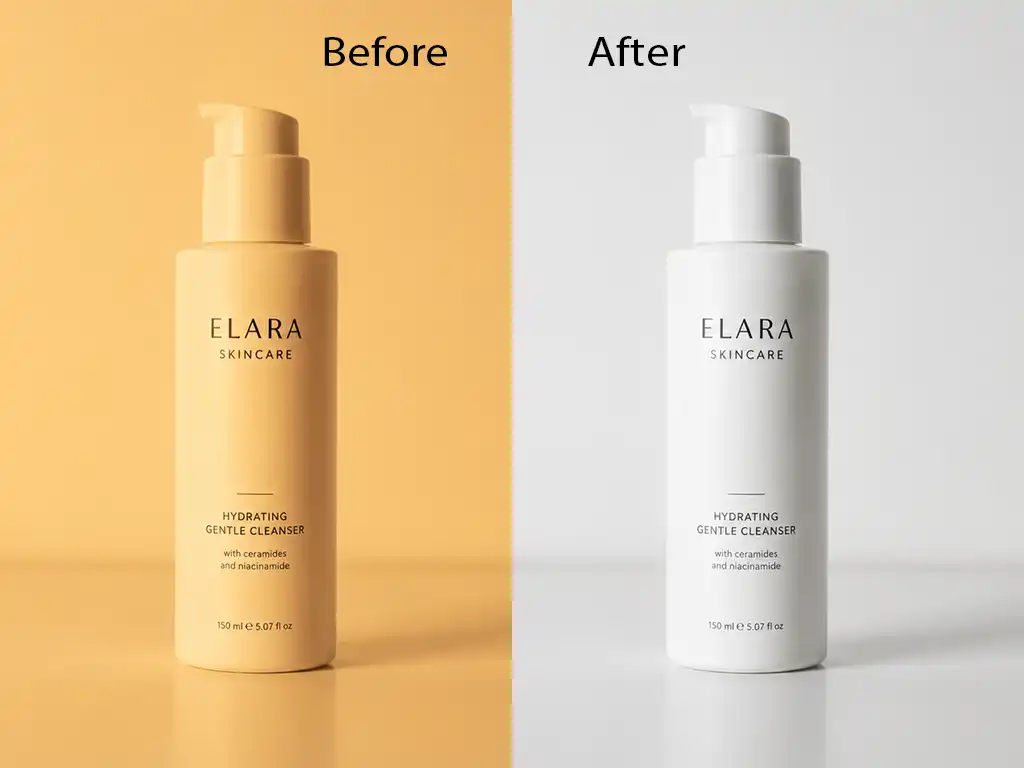
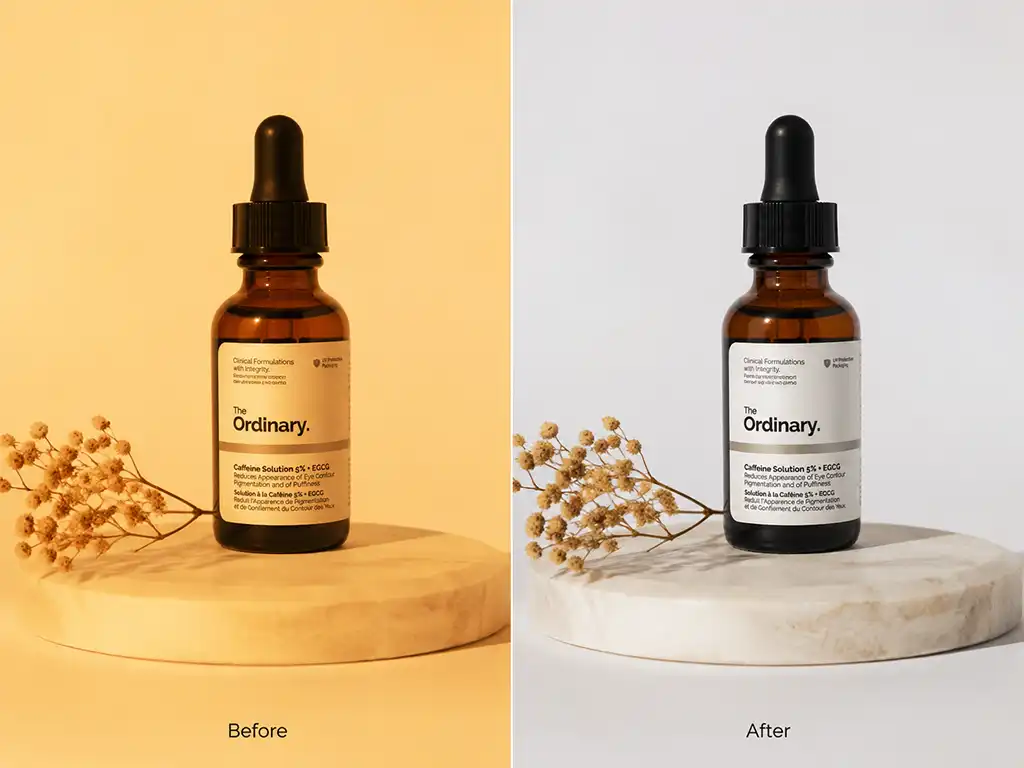
What Is White Balance Correction?
White balance correction adjusts the color temperature of an image so that whites appear neutral and all other colors read accurately under the actual lighting conditions of the shot.
Every light source emits a different color of light. Tungsten bulbs push warm orange. Fluorescent tubes add a green or magenta shift. Overcast daylight pulls slightly blue. When a camera’s white balance setting doesn’t match the light source — or when mixed light sources compete in the same frame — the image carries a color cast. That cast affects every color in the photo: skin tones shift, whites go yellow, and product colors drift away from reality.
White balance correction removes that cast by adjusting the image’s color temperature and tint back to neutral. It is the first correction applied before any other color work, because every subsequent color decision — saturation, grading, tonal adjustment — is built on top of it. Get the white balance wrong at this stage, and every edit that follows inherits the same error.
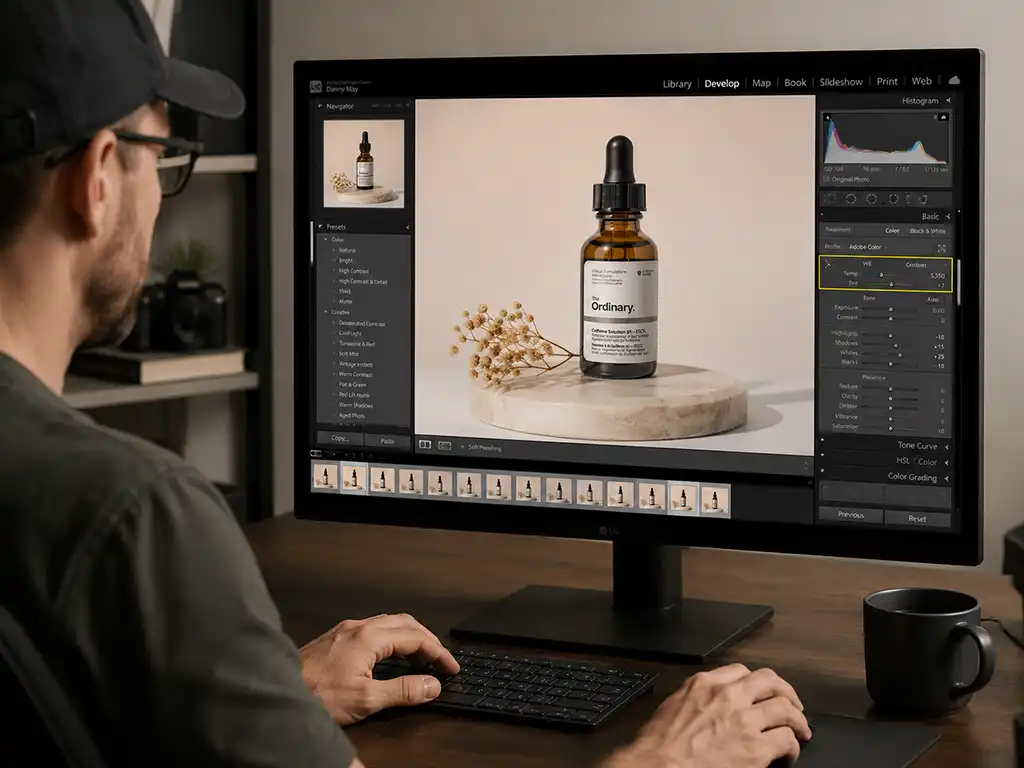
White balance correction is completed in Photoshop or Lightroom through a human-led workflow that accounts for the actual lighting and color cast in each image. A trained editor remains responsible for the correction decisions, refinement, consistency across the set, and final quality control.
Why Choose Clarity Edit for White Balance Correction?
Image-Specific White Balance Correction
A trained editor reviews the lighting conditions, color temperature, tint, skin tone, neutral areas, and product colors in each image.
When several images were captured under the same controlled lighting, a tested setting may be used as a starting point to maintain consistency. Each image is still inspected and corrected individually where lighting, reflections, exposure, or subject color varies.
Fast Turnaround
Most white balance correction orders are returned within 24 hours. For larger batches — product catalogs, wedding galleries, agency campaign assets — a clear delivery timeline is confirmed before work starts. You will not be left waiting on an update mid-project.
Affordable, Transparent Pricing
White balance correction is included in both the Starter plan ($0.40 per image) and Volume Pro plan ($0.30 per image for bulk orders). Custom pricing is available for large-scale or RAW-format workflows. See our pricing page for current starting rates. We confirm the final price before work begins.
Accuracy and Attention to Detail
A color cast that looks minor on a calibrated monitor can read obviously wrong on a mobile screen, in print, or on a customer’s display. Every corrected image is checked against a neutral reference before delivery — specifically for accurate white balance, consistent color temperature across the full batch, and correct tint. Consistency across a batch is as important as accuracy in a single image.
Secure File Handling
Files are transferred through encrypted upload links and are never shared with third parties. On request, images are removed from active systems after project completion. This applies to every order, regardless of volume.
Types of White Balance Correction
White balance problems vary depending on the light source. Each type produces a distinct color cast, and each requires a different correction approach.
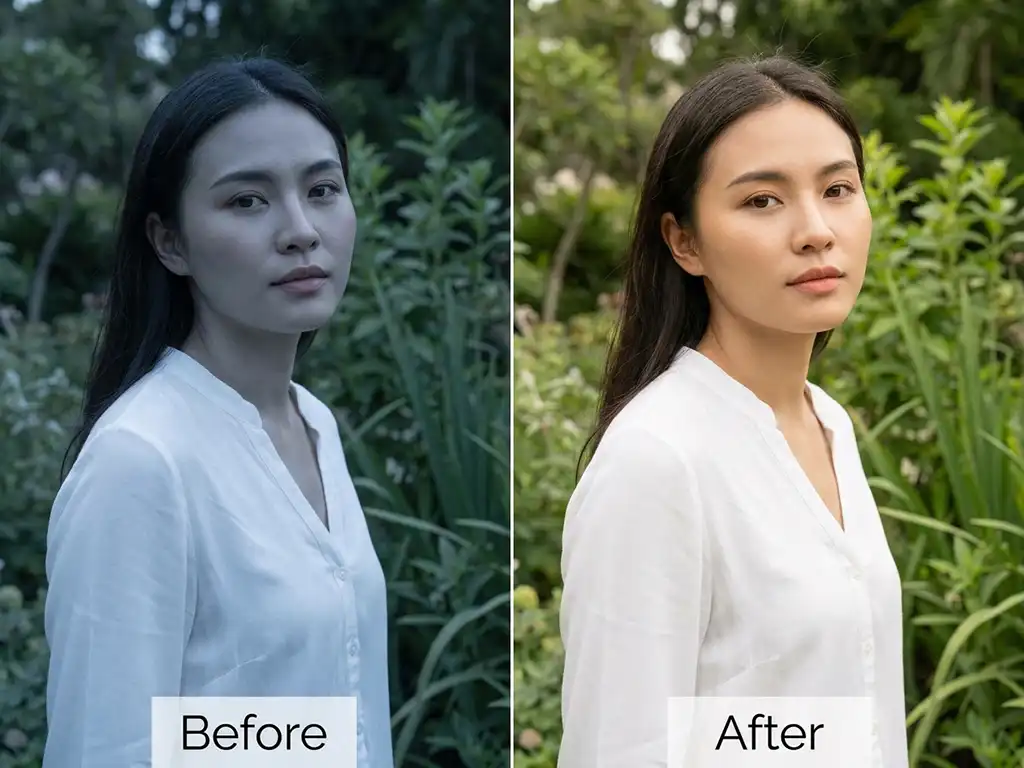
Daylight and Outdoor White Balance Correction
Natural light changes throughout the day. Golden-hour shots carry a warm orange cast. Shade produces a cool blue shift. Overcast conditions flatten the image with a neutral-gray tint that can still drift cooler than expected. Outdoor white balance correction adjusts for these natural light variations, restoring consistent, neutral color across images shot at different times of day or under different sky conditions.
This is particularly relevant for real estate exterior photography, outdoor portrait sessions, and lifestyle product shoots where the lighting shifts between frames.
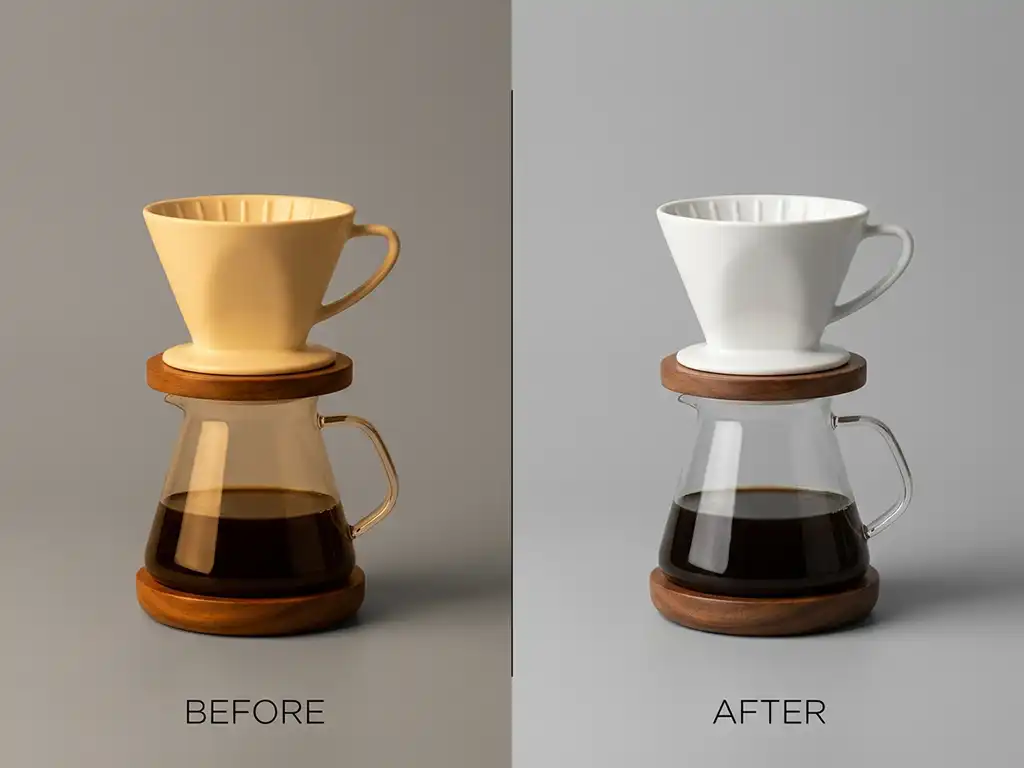
Artificial Light White Balance Correction
Tungsten and incandescent bulbs produce light with a strong orange-yellow cast. Images shot under these conditions — product studio setups, residential interiors, restaurant photography — often come back looking warmer than the actual scene. Artificial light white balance correction removes the orange shift and restores the neutral white balance that the eye perceives in the room but the camera fails to record accurately.
This is one of the most common corrections applied to product photography and real estate interior shots.
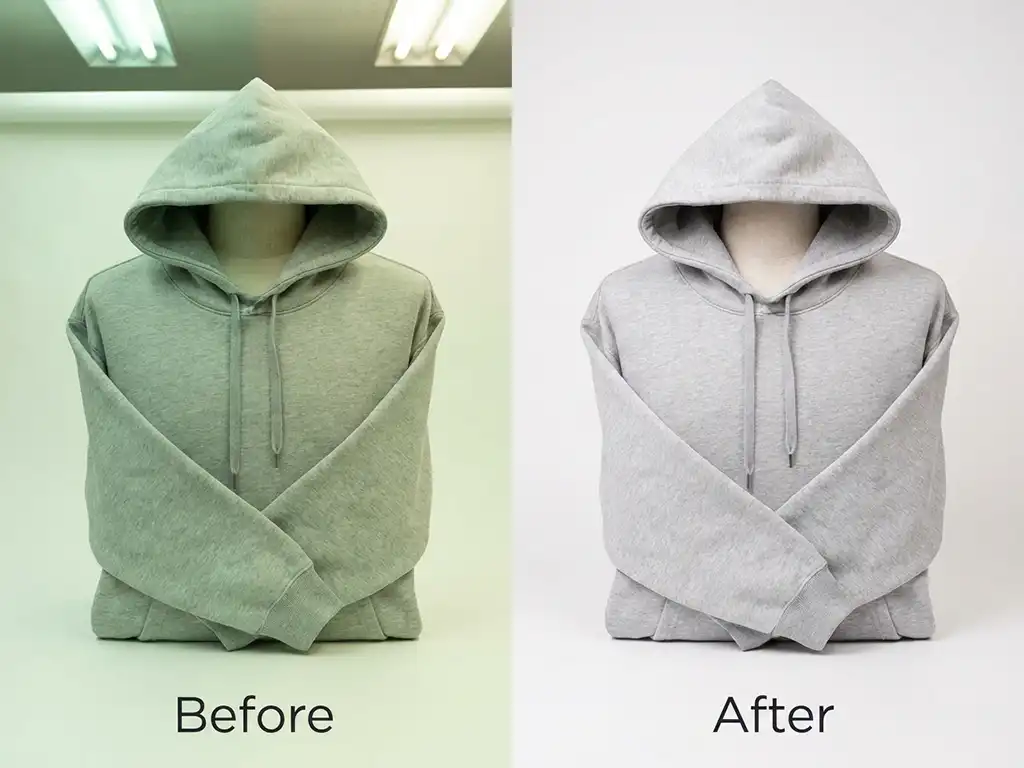
Fluorescent Light White Balance Correction
Fluorescent and LED lighting creates a green or magenta shift that can be difficult to correct with auto white balance. Office interiors, retail environments, and studio setups with fluorescent fixtures frequently produce images with an unnatural tint that shifts skin tones and product colors. Fluorescent white balance correction adjusts both the color temperature and the green-magenta tint axis to return the image to neutral.
This correction is particularly relevant for fashion and apparel photography shot in studio environments, and for commercial interior photography.
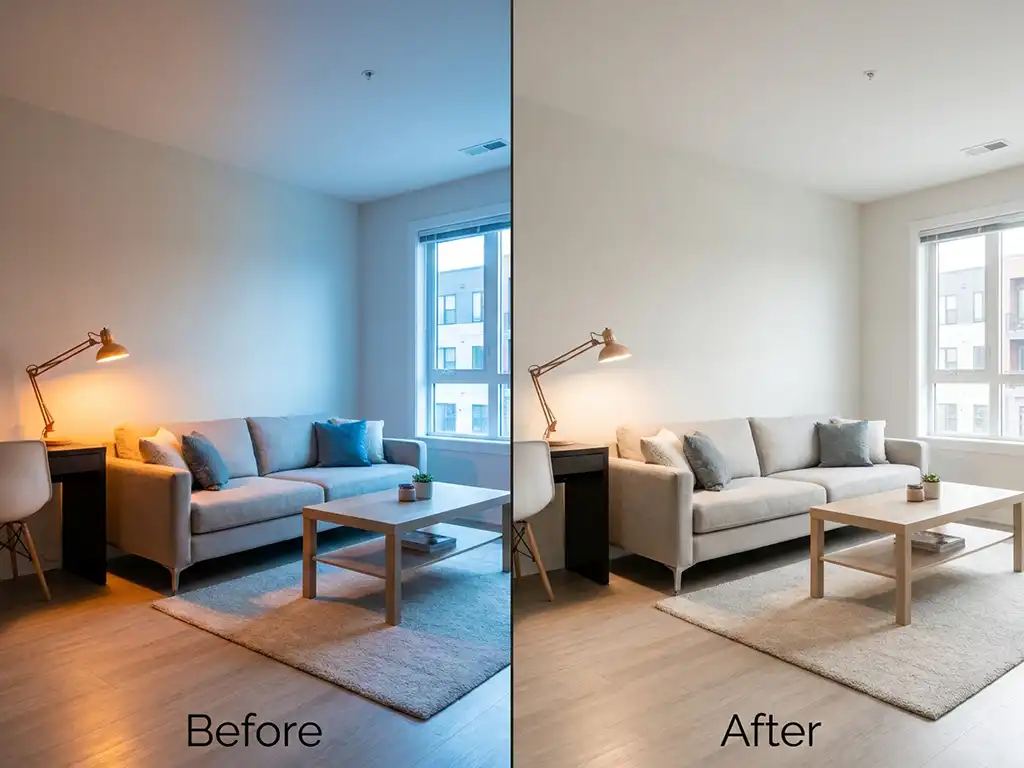
Mixed Lighting White Balance Correction
Mixed lighting is the hardest white balance problem to solve. When a frame contains multiple light sources — a window providing daylight on one side and a tungsten lamp on the other — no single color temperature setting corrects the whole image. Different areas of the frame require different adjustments. Mixed lighting white balance correction addresses this by working across the image selectively, balancing competing color casts rather than applying one global correction that fixes one area while worsening another.
This applies to interior real estate photography, event photography in large venues, and any commercial shoot where the lighting environment could not be fully controlled.
Industries We Serve
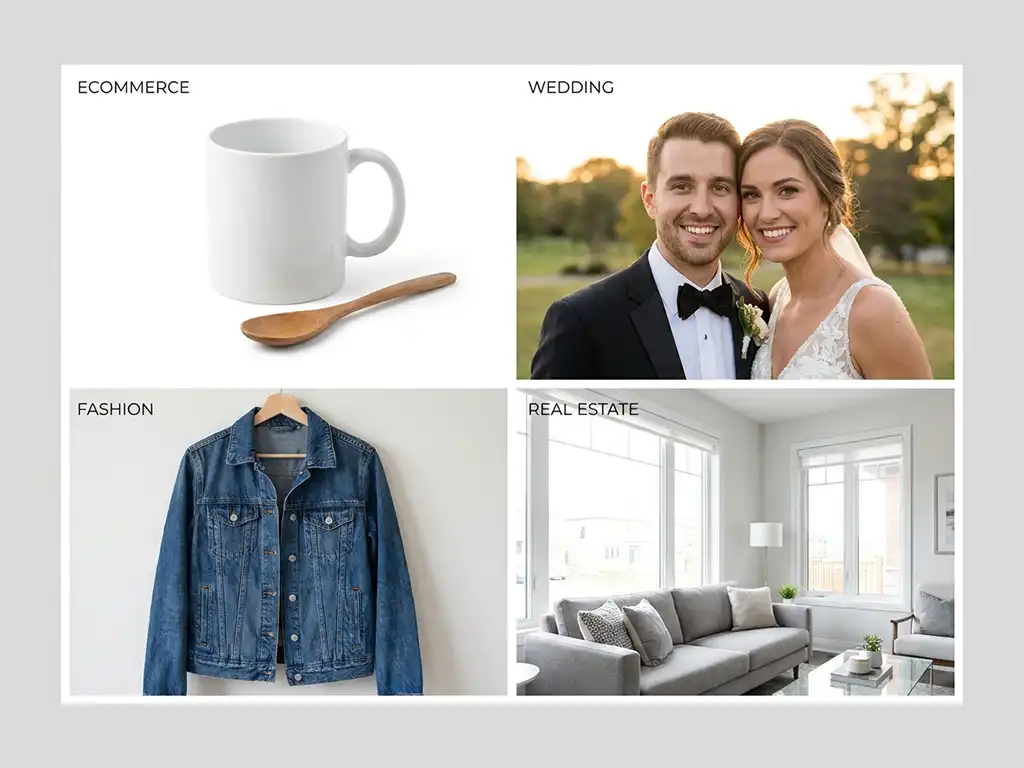
Ecommerce Businesses
Product photos must reflect accurate color. A customer buying a blue jacket should receive a blue jacket — not something that reads differently in person because the product shot had an uncorrected orange cast. Consistent white balance across an entire product catalog builds customer confidence and reduces return rates. We handle both single SKU corrections and full-catalog batches with consistent results across every image.
Photography Studios and Photographers
Wedding, portrait, and event photographers often shoot across multiple lighting environments in a single session — indoor reception lighting, outdoor ceremony light, mixed church interiors. White balance correction applied consistently across the full gallery gives you a cohesive set ready for delivery, without individually adjusting every frame yourself.
Fashion Brands
Garment color accuracy is a return-prevention issue. A product image with an uncorrected color temperature misrepresents the actual item. White balance correction ensures that the color the customer sees on screen matches what arrives in the package — which directly affects purchase confidence and return rates.
Creative and Marketing Agencies
Agency campaigns often run across multiple channels — web, print, social, OOH — with assets sourced from different shoot environments. Consistent white balance across every asset ensures that brand colors hold across contexts and that the campaign looks intentional rather than inconsistent.
Real Estate
Interior listing photos need correct white balance before any HDR blending, sky replacement, or virtual staging is applied. A wrong color temperature at this stage creates a foundation problem that compounds through every subsequent edit. Our real estate photo editing services build directly on this corrected foundation with advanced enhancement steps.
How Our Color Correction Workflow Works
Upload Your Images
Send your files through our secure upload system, along with any reference notes — target color temperature, specific lighting conditions, or a reference image showing the color accuracy you want to achieve. The more context you provide, the fewer rounds of revision are needed.
Requirement Analysis
An editor reviews your files and instructions before any corrections begin. For large batches, a single test image is corrected first for your approval, so the full batch is not edited before you have confirmed the direction.
Human-Led Editing
Trained editors correct your images in Photoshop or Lightroom, with color temperature and tint guided by the actual lighting in each image. For consistent batches, a tested setting may be used as a controlled starting point, while every result is reviewed and adjusted where needed before delivery.
Quality Check & Delivery
A second editor reviews the corrected batch against your original files, checking for accurate white balance, consistent color temperature across the set, and correct tint. Corrected files are delivered in your preferred format — JPEG, PNG, TIFF, or layered PSD — within the agreed timeline.
Benefits of Professional White Balance Correction
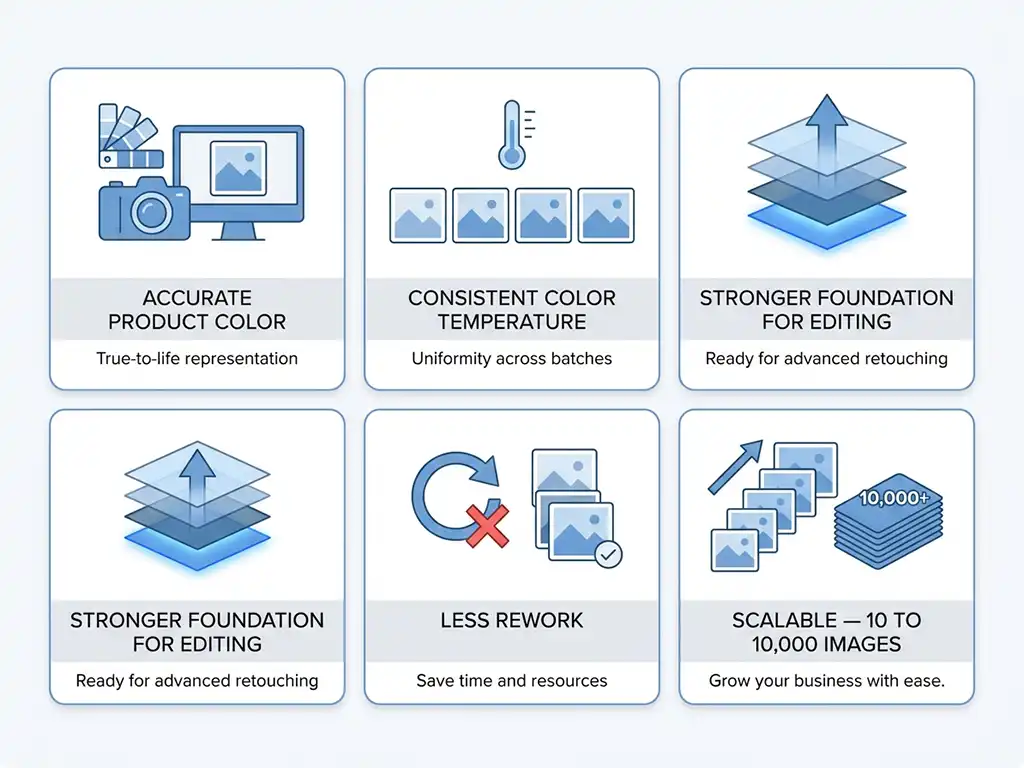
- Accurate product color — customers see colors that match the actual item, which reduces returns and supports purchase confidence
- Consistent color temperature across batches — every image in your catalog or gallery holds the same white balance, regardless of how many frames are in the set
- Stronger foundation for further editing — retouching, color grading, and HDR work all produce better results when built on correctly white-balanced source images
- Less rework — correcting white balance at the source eliminates color problems that would otherwise need to be fixed later in the production chain
- Scalable — the same accuracy and consistency whether you send 10 images or 10,000
Related Services
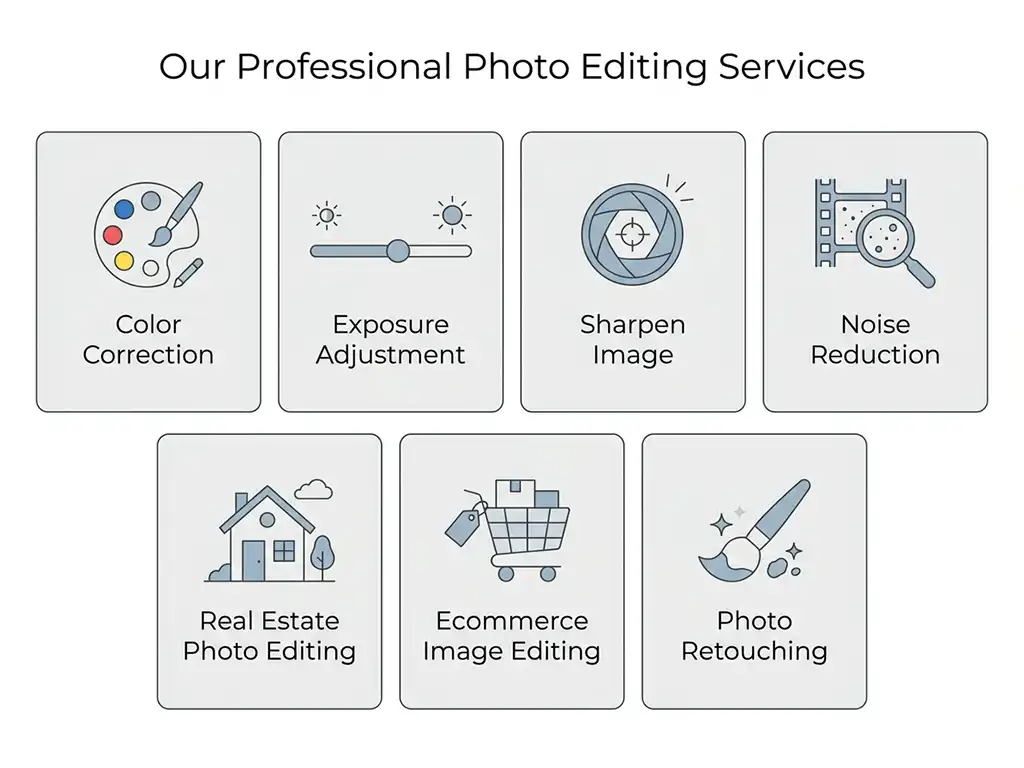
We handle white balance correction as part of a broader set of basic image adjustments. If your images need more than color temperature correction, these services work directly alongside it:
- Color Correction Services — for broader hue, saturation, and tonal accuracy after white balance is set
- Exposure Adjustment — for images that are too dark, too bright, or lacking shadow and highlight detail
- Sharpen Image — for images with soft edges or detail lost to compression
- Noise Reduction — for grainy, high-ISO images from low-light conditions
- Real Estate Photo Editing Services — full real estate editing built on correct exposure and white balance
- Ecommerce Image Editing Services — product photo workflows including color correction, cropping, and background removal
- Photo Retouching Services — detail-level retouching applied after the basic adjustment layer is complete
Frequently Asked Questions
White balance correction adjusts the color temperature and tint of a photo so that neutral colors — whites and grays — appear neutral under the actual lighting conditions of the shot. It removes color casts caused by mismatched light sources, such as the orange shift from tungsten bulbs or the green shift from fluorescent lighting.
White balance correction fixes the color temperature of the whole image — the overall warm or cool bias caused by the light source. Color correction is broader, addressing hue, saturation, and tonal accuracy across specific colors after the white balance is already set. White balance correction is always applied first, because any color correction built on an uncorrected white balance will inherit the same temperature problem.
We do not rely on an unchecked automatic white balance setting across an entire project. Editors review the actual lighting and color cast in the images.
For a consistent batch photographed under identical conditions, a tested setting or preset may support the workflow. Each image is still reviewed and adjusted when needed, particularly where mixed lighting, skin tones, reflective products, or changing backgrounds affect the result.
White balance correction addresses color casts caused by any light source — tungsten and incandescent bulbs (orange cast), fluorescent and LED lighting (green or magenta cast), shade and overcast daylight (blue cast), and mixed lighting environments where multiple sources compete in the same frame.
White balance correction starts at $0.40 per image on the Starter plan and drops to $0.30 per image on the Volume Pro plan for bulk orders. Large-scale or RAW-file workflows receive custom pricing. See the full pricing breakdown or request a custom quote.
Most white balance correction orders are delivered within 24 hours. Larger batches receive a confirmed delivery timeline before work starts — not after.
Yes. Our workflow is built for high-volume batches. A consistent approach is applied across the full set so that color temperature and tint hold from the first image to the last, regardless of batch size.
Yes. Send us a sample image and we will correct the white balance by hand at no charge. You can evaluate the color accuracy, tint correction, and overall quality before committing to a full order. Start your free trial here.
We accept JPEG, PNG, TIFF, PSD, and most RAW formats. Corrected files are delivered in whichever format your workflow requires, including layered PSD files for further editing.
Yes. Files are transferred through encrypted upload links and are never shared with third parties. On request, your images are removed from our active systems after project completion.
Have a project in mind?
Send us your images and editing requirements. Our team will review the files, recommend the right editing approach, and provide a custom quote. You may also test our quality with eligible sample images before placing a paid order.