Image Cutout Service That
Keeps Every Edge Sharp
Blurry edges and uneven backgrounds make even great product photos look unfinished. Clarity Edit’s image cutout service removes that problem image by image, using hand-drawn precision instead of one-click automation. We isolate your subject — a product, a model, a piece of jewelry — and deliver it on a clean white, transparent, or custom background, ready for your store, catalog, or ad. No shortcuts, no AI guesswork, just accurate cutouts your customers actually notice.
What Is an Image Cutout Service?
An image cutout service separates the main subject of a photo from its background so it can be placed on a new background, dropped into a layout, or left transparent for flexible use. The result is a clean, isolated image — usually saved as a PNG with a transparent background or a JPG with a solid white one.
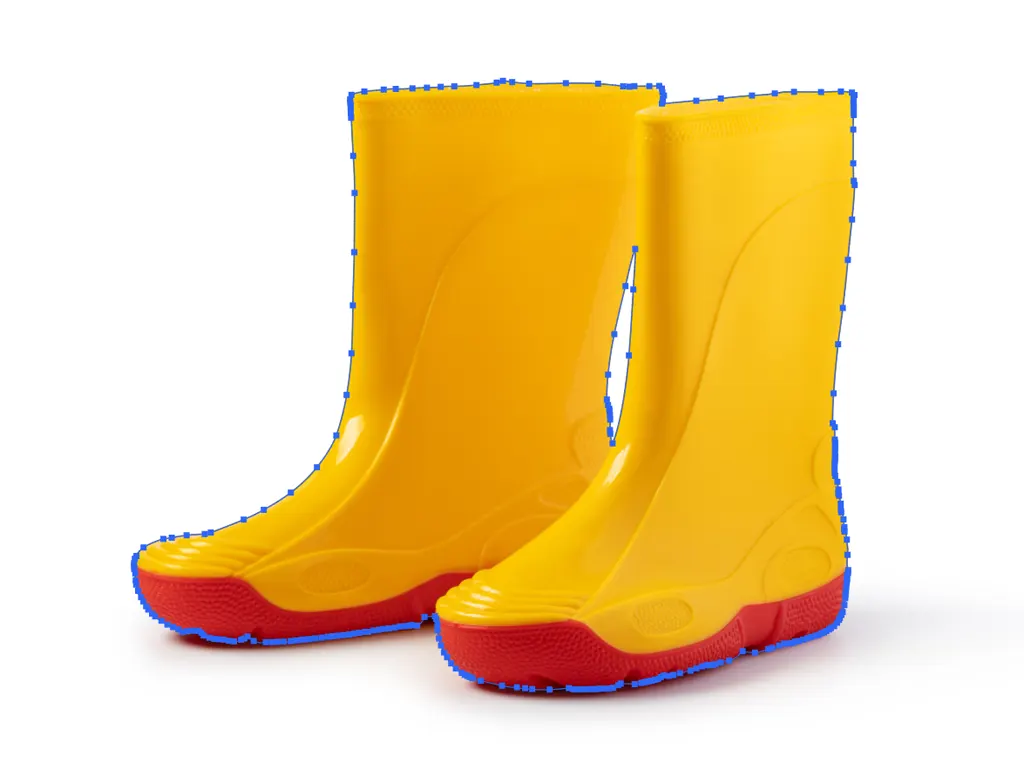
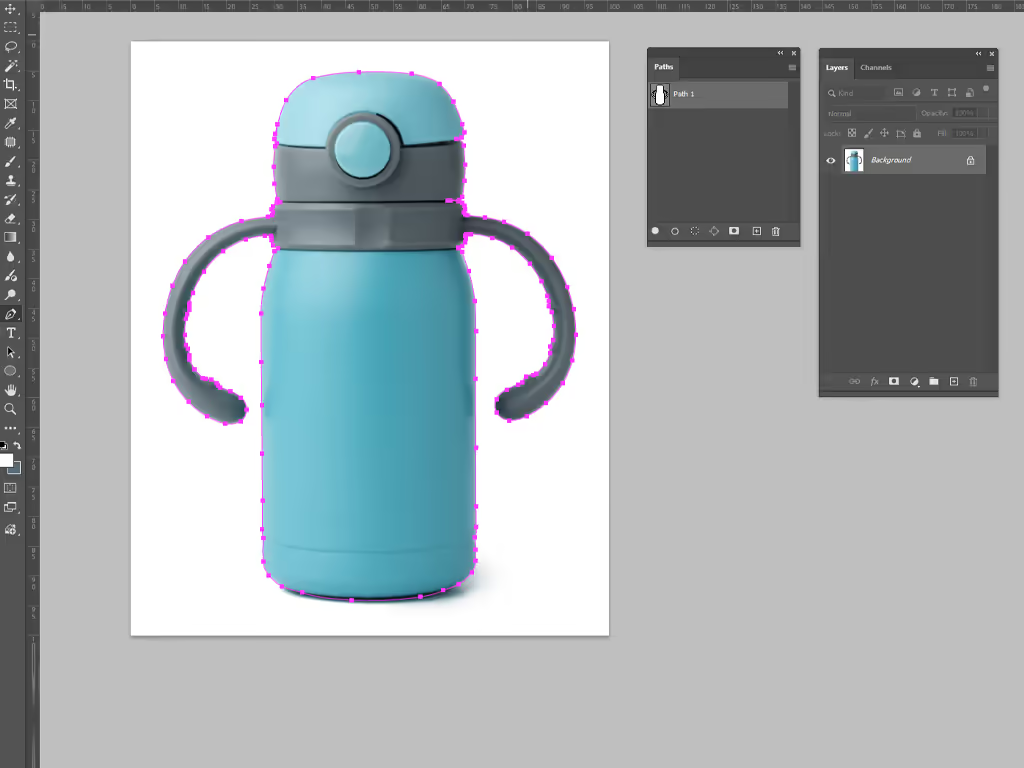
The work itself is done one of two ways. For products with simple, hard edges — a bottle, a phone, a book — editors draw a clipping path by hand in Photoshop using the pen tool. For subjects with soft or complex edges — hair, fur, fabric mesh, glass — a clipping path can’t follow the detail closely enough, so editors switch to image masking instead, which works pixel by pixel rather than along a single line.
Most cutout requests only need one of these methods. Some need both in the same image — a hard-edged product shot next to a model with loose hair, for example. At Clarity Edit, we decide the method per image, not per client preference, because the wrong technique on the wrong subject is the most common reason cutouts come back looking rough around the edges.
Why Choose Clarity Edit for Image Cutout Services
Human-Edited Quality
Every cutout is created by hand. We don’t run images through automated background removers and call it done — automated tools regularly cut through thin object edges, leave halos around hair, or misread shadows as part of the subject. A trained editor catches what software misses.
Fast Turnaround
Standard delivery runs 12–24 hours depending on volume and complexity. Need it faster? Tell us your deadline when you request a quote and we’ll let you know upfront if rush delivery is possible — we don’t promise speed we can’t back up.
Affordable, Transparent Pricing
Pricing depends on how complex the cutout is, not a flat per-image rate that ignores difficulty. Simple cutouts cost less than multi-path or fine-detail work, and bulk orders get custom rates. You’ll always know the price before we start.
Accuracy and Attention to Detail
We zoom into 100% and 200% view on every edge before delivery. Jagged lines, leftover background fringing, and color spill from the original backdrop are the three most common cutout mistakes — our quality check is built specifically to catch all three.
Secure File Handling
Your images are used only for your project and are not shared, reused, or stored beyond what’s needed to deliver your order. If you’re editing pre-launch product shots or unreleased designs, confidentiality is treated as standard, not an add-on.
Types of Image Cutout Services We Offer
At ClarityEdit, we offer a complete range of image cut out services designed to handle everything
from simple products to highly complex visuals.
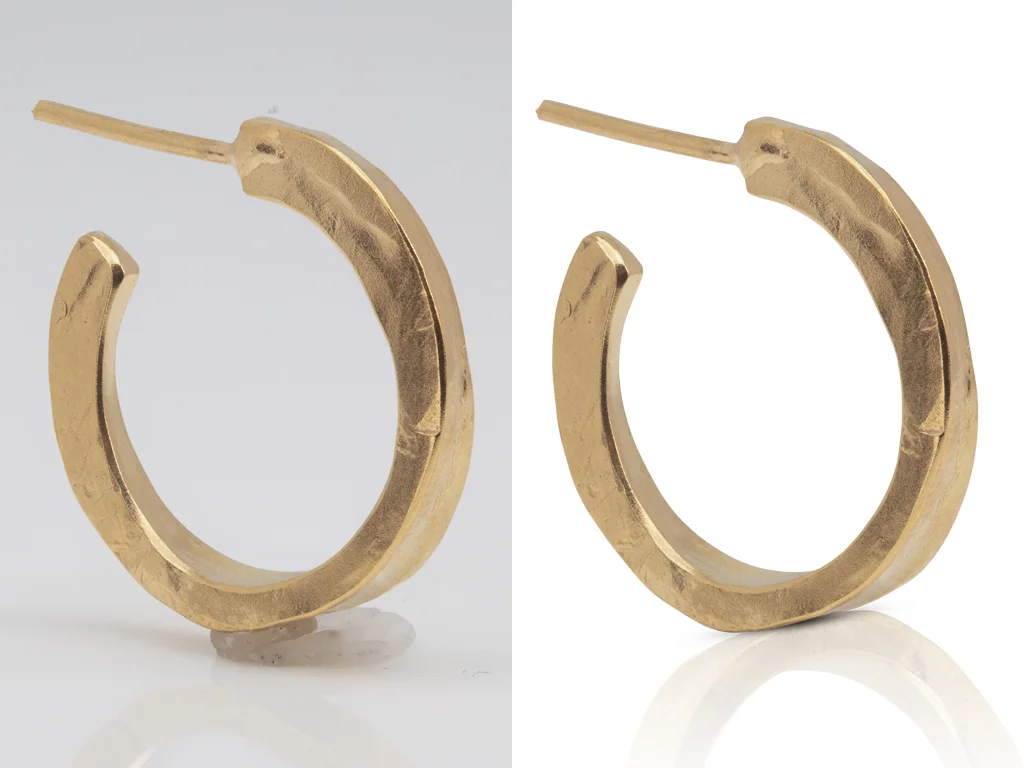
Simple Cutout
For subjects with clean, straight, or gently curved edges — boxes, books, electronics, bottles. One clipping path usually covers the whole subject. This is the fastest and most affordable cutout type, and the one most bulk ecommerce orders fall into.
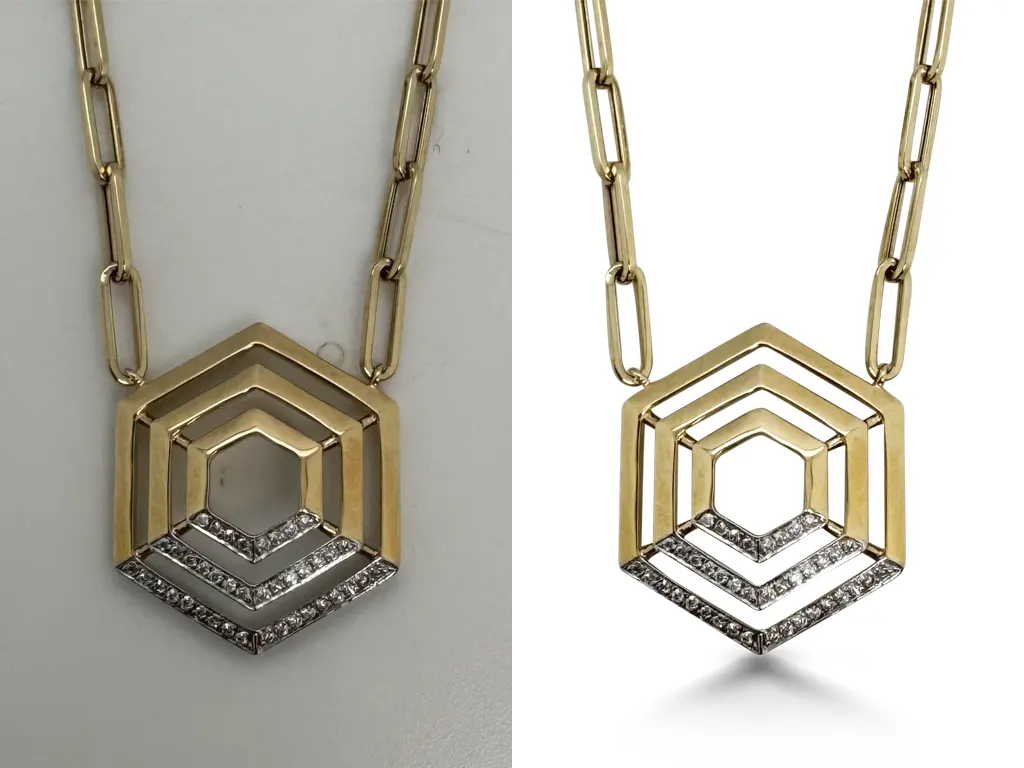
Complex Cutout
For subjects with multiple curves, cutouts, holes, or layered shapes — jewelry chains, furniture, bicycles, group product shots. These need several connected paths and more time per image to keep every inner edge clean.
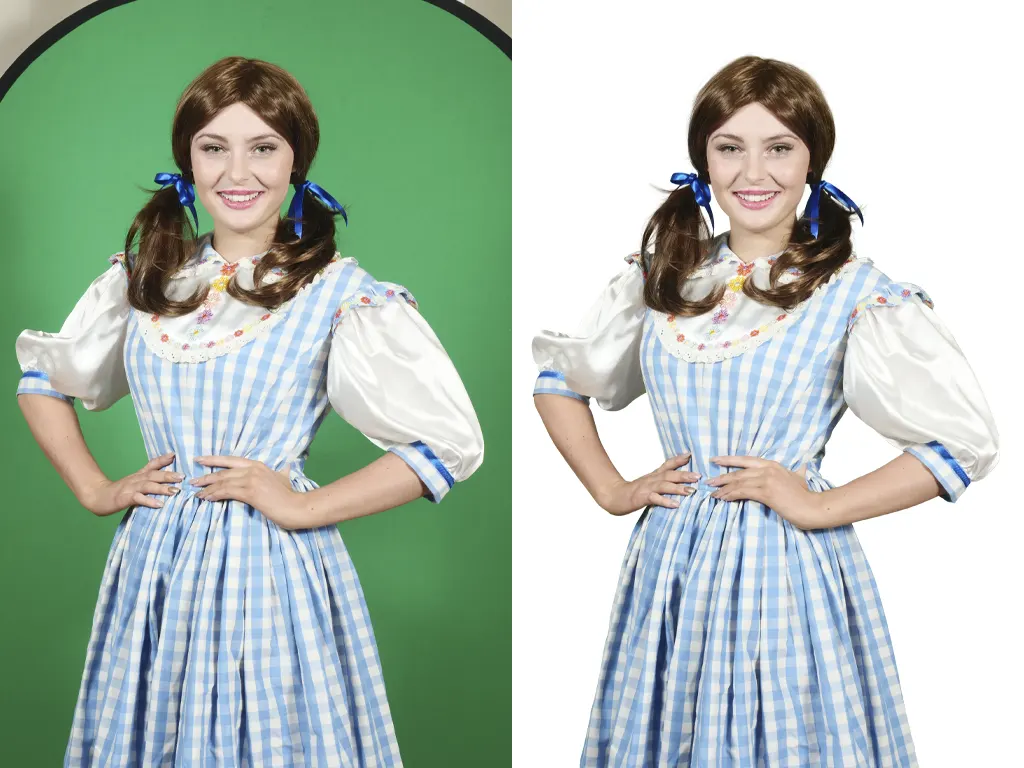
Soft-Edge Cutout (Masking)
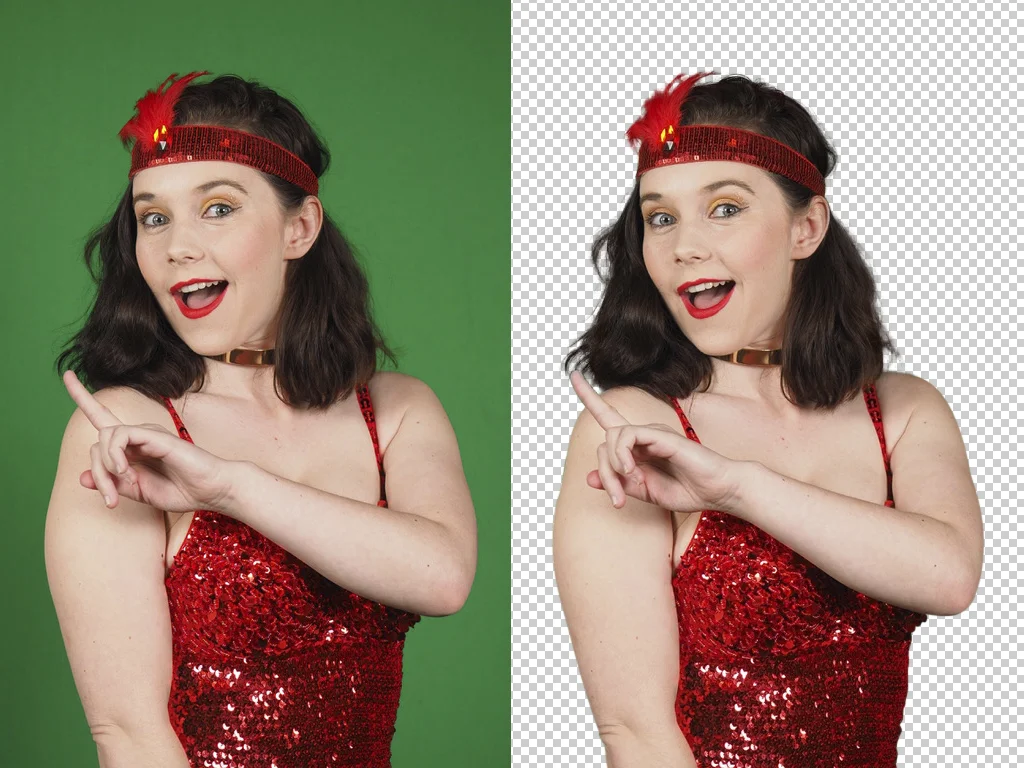
For hair, fur, feathers, mesh fabric, or anything semi-transparent. A clipping path would cut these subjects off with a hard, unnatural line, so editors use layer masking instead to preserve fine strands and natural edge softness.
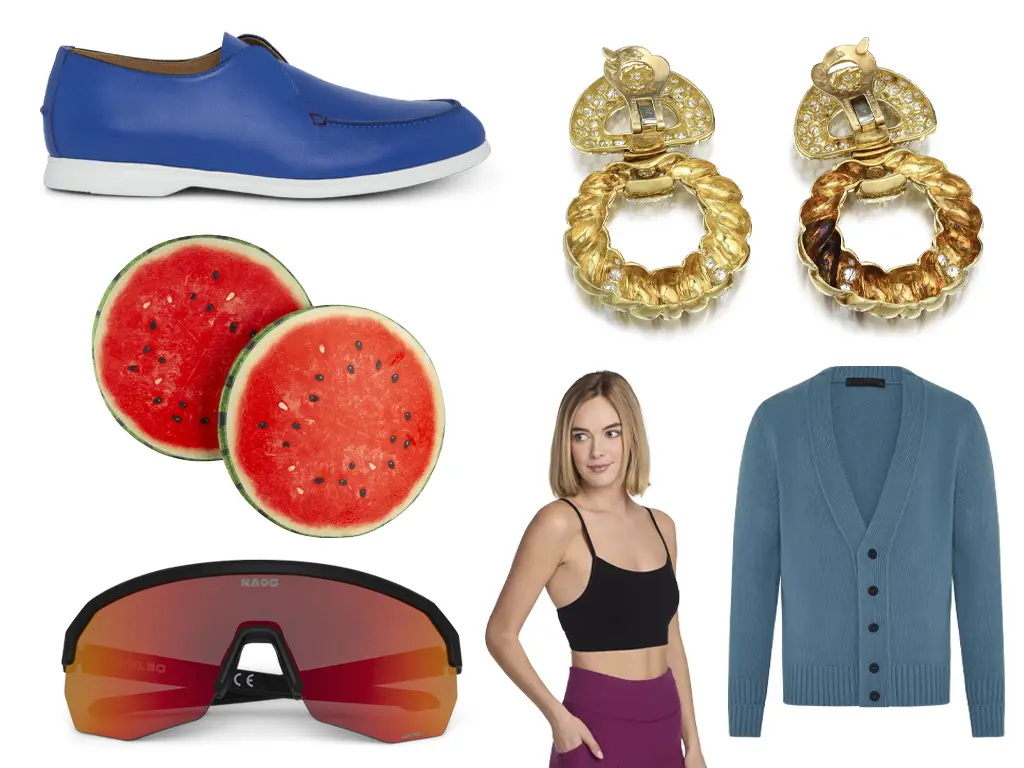
Multi-Object Cutout
For images with several separate subjects that each need isolating — a flat-lay of accessories, a set of tools, a group of products in one frame. Each object gets its own path or mask so they can be repositioned or resized independently if needed.
Industries We Serve
Different industries require different levels of precision and styling. At ClarityEdit, we adapt our workflow
based on your specific needs. We commonly work with:
Ecommerce
Marketplace listings live or die on image consistency. We cut out product photos to meet Amazon, Etsy, and Shopify’s background requirements so listings look uniform across an entire catalog, not just in a handful of hero shots.
Photography Studios
Studio photographers send us raw shoots that still have backdrop stands, shadows, or uneven lighting in frame. We isolate the subject so the photographer’s retouching work starts from a clean base instead of a messy one.
Creative & Marketing Agencies
Agencies often need the same product cut out multiple times for different campaigns — one version for a banner ad, one for a print catalog, one for social. We deliver layered files so your team can reuse the cutout without re-ordering it.
Fashion Brands
Clothing and accessory shots usually combine a hard-edged garment with soft details like hair, fringe, or jewelry chains in the same frame. These almost always need the hybrid clipping path + masking approach in one image.
Real Estate
Property photographers occasionally need objects removed from listing photos — for-sale signs, parked cars, clutter in a driveway shot. Cutout work here is less about isolating a product and more about cleanly removing what shouldn’t be in frame.
Our Photo Editing Workflow
Working with Clarity Edit is designed to be simple and efficient.
Upload Your Images
Send your raw files through our quote request page or directly via Dropbox/ WeTransfer for larger batches. JPG, PNG, TIFF, and RAW formats are all accepted.
Requirement Review
We check each image for edge complexity — hard lines, soft detail, or both — and confirm your background preference (white, transparent, or custom color) before editing starts.
Manual Editing
Editors apply clipping paths, masking, or a combination, working at high zoom to keep every edge accurate. No batch auto-processing — each image gets individual attention.
Quality Check & Delivery
A second editor reviews every cutout against the original at full zoom, checking for fringing, color spill, and edge accuracy before it moves to delivery. Then final files arrive in your requested format — PNG, JPG, or layered PSD
This streamlined workflow ensures fast turnaround times while maintaining high editing standards.
Related Services
If your image needs go beyond a basic cutout, these related services pair naturally with this one:
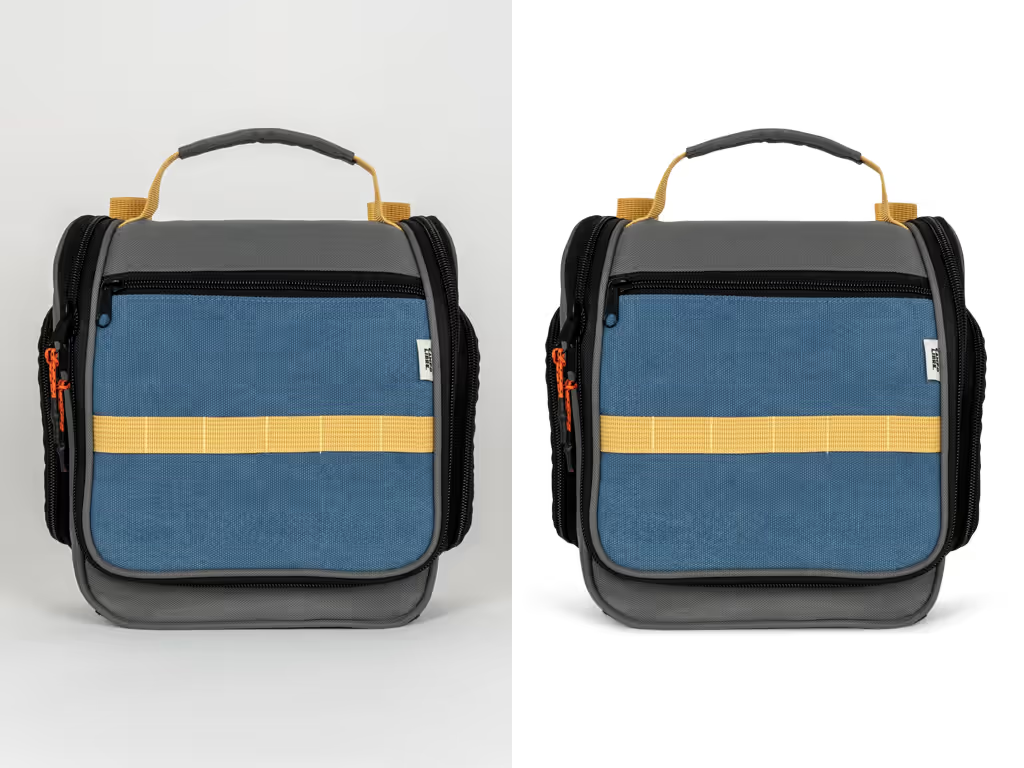
Clipping Path Services — for a deeper look at the manual pen-tool technique itself, including pricing by path complexity
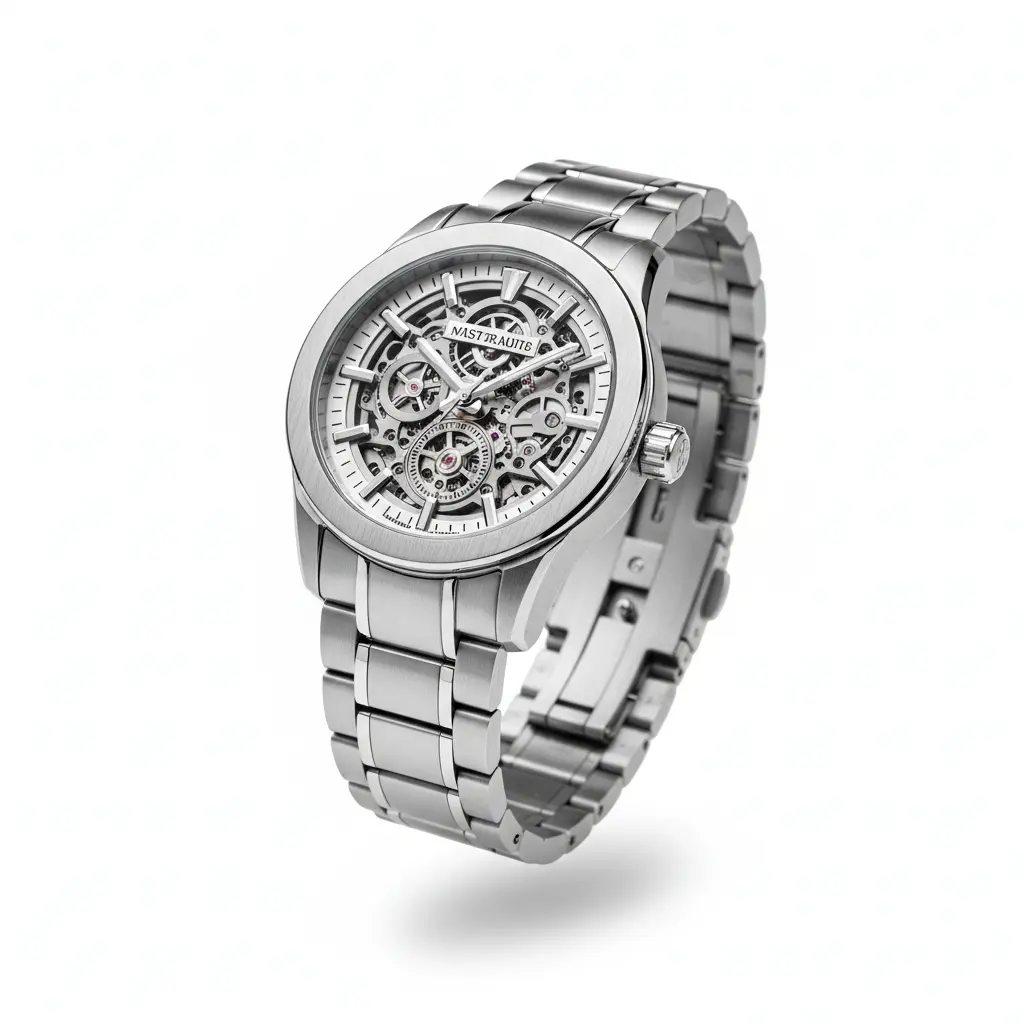
Background Removal Service — if your priority is specifically a white or transparent marketplace-ready background
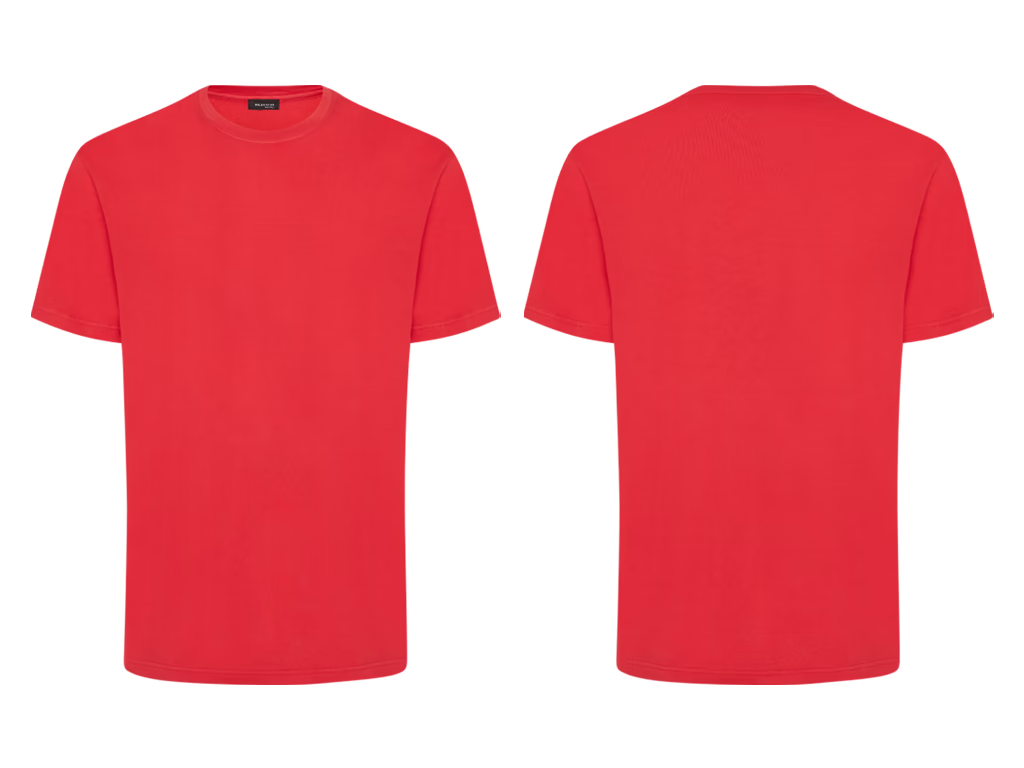
Ghost Mannequin Editing — for apparel that needs a 3D, worn-look shape without a mannequin in frame

Product Photo Editing — for full retouching alongside the cutout, including color correction and shadow work
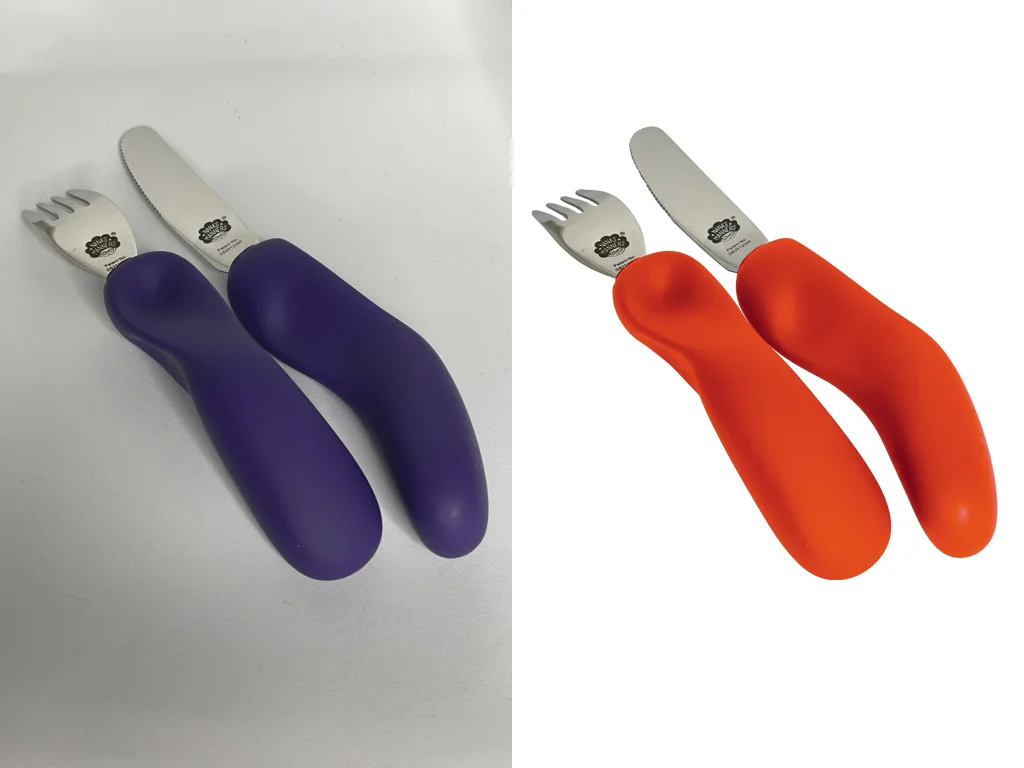
E-commerce Image Editing Services — the full suite of edits for online sellers, including cropping, resizing, and shadow creation
Benefits of Professional Image
Cutout Services
Choosing the right editing partner can directly impact your workflow and output quality. Here’s what sets us apart:
- Consistent catalog appearance – every product photo matches in background and framing, which builds buyer trust across a full listing page
- Marketplace compliance – meets Amazon, Etsy, and Shopify’s pure white or transparent background requirements without manual rework
- Faster creative turnaround – agencies and marketers get a clean base image they can drop into any layout without additional prep
- Lower return rates – accurate color and edge work means the product looks the way it does in person, reducing “not as pictured” returns
- Reusable across formats – a properly cut-out image works for web, print, and social without re-editing
We don’t rely on shortcuts. Every image is treated with attention to detail, ensuring professional results every time.
Frequently Ask Questions
It’s a manual editing service that separates your subject from its background, using clipping paths for hard-edged objects or masking for soft, detailed edges like hair or fabric. The result is a clean cutout ready for a new background or a transparent file.
Clipping path is one specific technique used to create a cutout — it works best on hard, well-defined edges. Image cutout is the broader outcome; depending on the subject, it might be done with a clipping path, with masking, or with both combined in the same image.
Our dedicated image cutout service is manual by default. Editors use hand-drawn clipping paths for hard-edged subjects and manual masking for hair, fur, fabric, transparency, and other soft details.
This service is designed for clients who require controlled edges, professional quality, or editable output rather than an unchecked one-click background removal result. Layered PSD files and saved paths are available when requested.
For suitable simple, high-volume background removal projects where tool-assisted processing is acceptable, clients may discuss that workflow separately before production begins.
PNG with a transparent background, JPG with a white or custom-color background, or a layered PSD if you want to swap backgrounds yourself later. Let us know your end use and we’ll recommend the right format.
Standard turnaround is 12–24 hours depending on volume and edge complexity. Simple cutouts move faster; multi-object or fine-detail masking jobs take more time per image.
Yes. We regularly process bulk catalogs for ecommerce sellers and agencies. Bulk orders get custom pricing based on total volume and average complexity across the batch.
Yes, we can deliver pure white backgrounds (RGB 255,255,255) that meet Amazon’s and Etsy’s main image listing standards, or transparent PNGs for platforms that allow them.
Subjects with fine, loose detail — hair, fur, sheer fabric, and anything semi-transparent like glass or smoke — take the most time, since masking has to preserve individual strands or gradients rather than following a single clean line.
Yes, revisions are included until the edge accuracy and background match what you asked for. If something looks off, send it back with notes and we’ll fix it.
Pricing depends on complexity — simple cutouts cost less than multi-path or masking-heavy work — and on order volume, with lower per-image rates for bulk batches. Request a quote for an exact number based on your images.
Have a project in mind?
Send us your images and editing requirements. Our team will review the files, recommend the right editing approach, and provide a custom quote. You may also test our quality with eligible sample images before placing a paid order.